 Charge Roster
Shared workplace EV charging
More EV drivers.Same chargers. Less guesswork.
Give employees a clear way to see available charging times and reserve the chargers you already have. See when the shared schedule can no longer meet demand.
Joining an existing workplace?
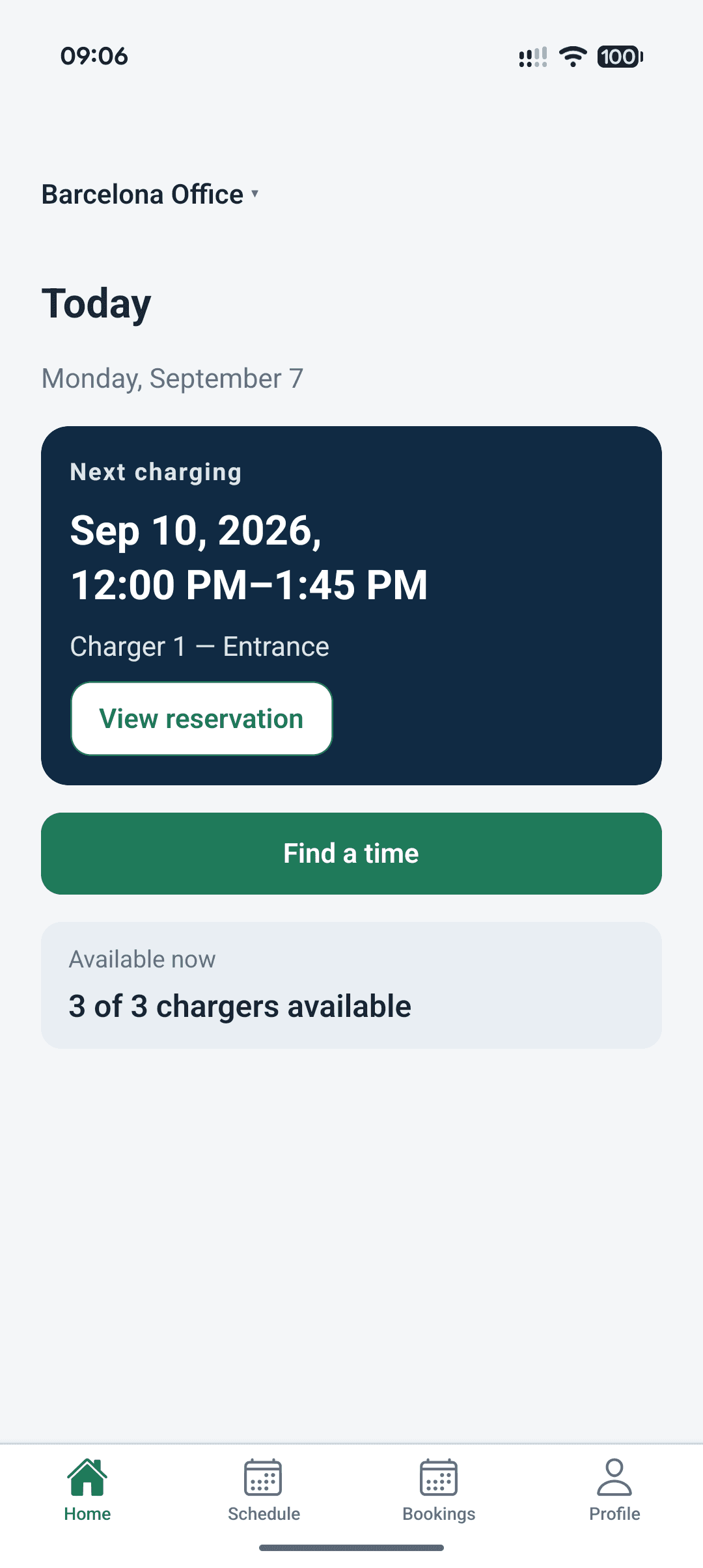
- One shared booking schedule
- Use your existing chargers
- No charger-control integration required
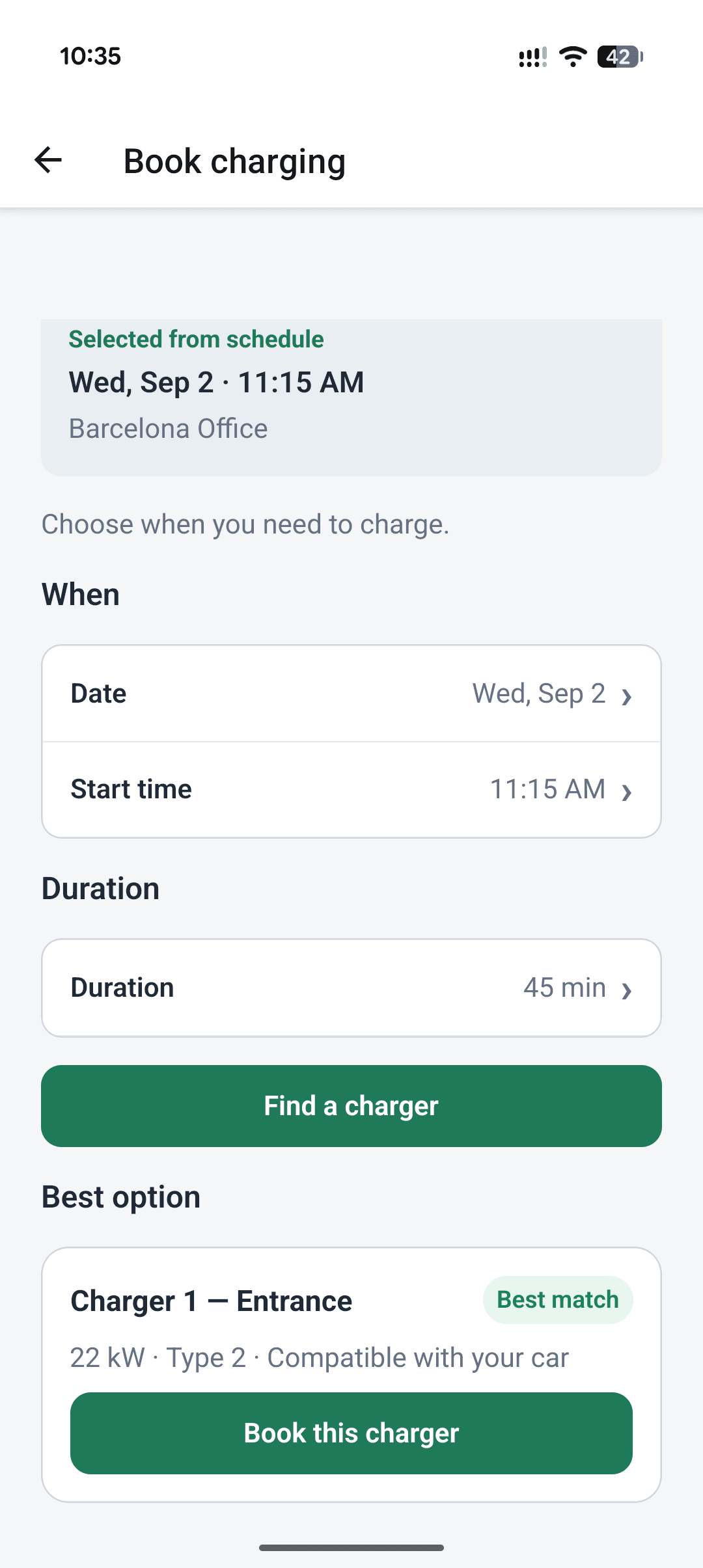
For employees
See availability. Find a time. Book your charger.
A clear booking flow for every employee.
- 01
See the shared schedule
See schedule availability across your workplace chargers.
- 02
Choose a time that fits
Select a date, time and duration that works for you.
- 03
Confirm your reservation
Get a confirmation and add it to your day.
For workplace teams
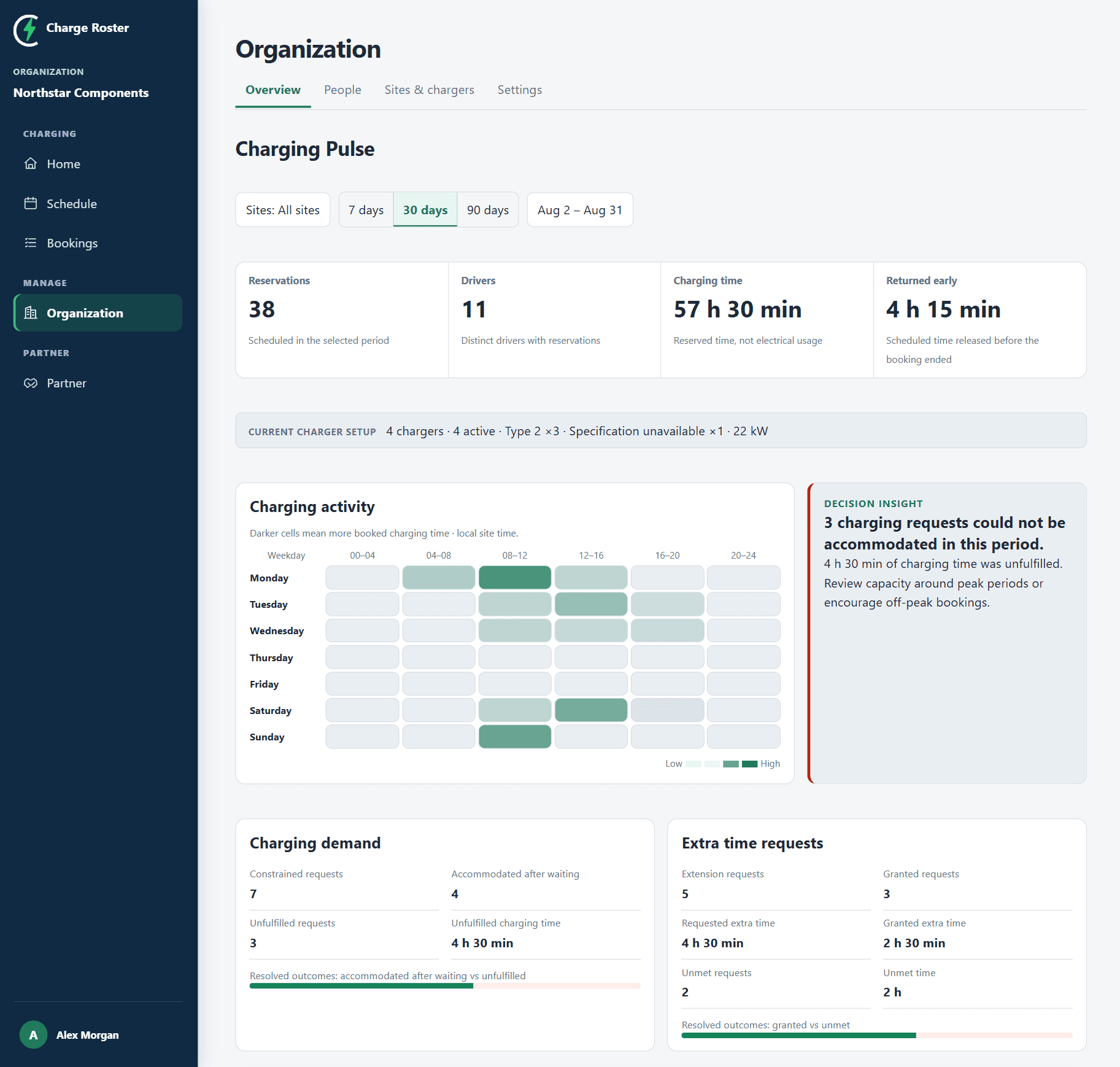
See where the schedule comes under pressure.
Review busy periods, time returned early and requests that could not be accommodated.
Booking activity
See when chargers are most booked.
Returned time
Find time released before the booking ended.
Unmet requests
Identify requests that could not be accommodated.
For charging partners
Help customers when charger sharing gets harder.
When more drivers depend on the chargers already installed, see where the shared schedule is under pressure and support the next conversation.
Explore the partner offer- Review customer needs
- Bring scheduling evidence
- Agree how you support them
Get started
Start with the chargers you already have.
Create your organisation, first site and chargers in one form.
Adjust booking rules
Set who can book, time limits and other settings.
Invite employees
Get your team access to start booking.