 Charge Roster
Find who needs attention
See which customers need a charging review.
Review nowAdoption watchNo issue detected
For workplace charging partners
When more employees share the chargers already in place, see where the schedule is under pressure, review the evidence and support the next customer conversation.
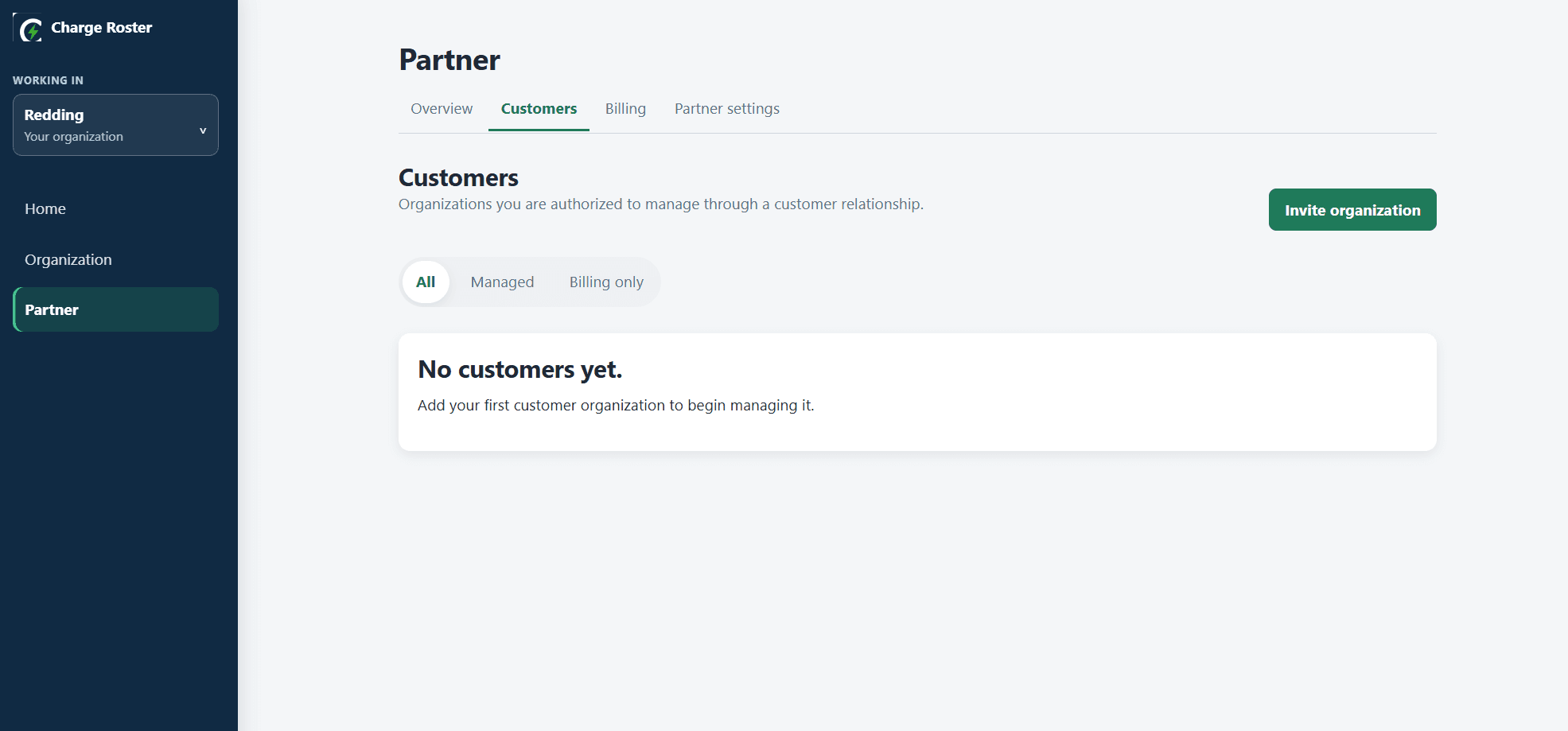
The partner workflow
See which customers need a charging review.
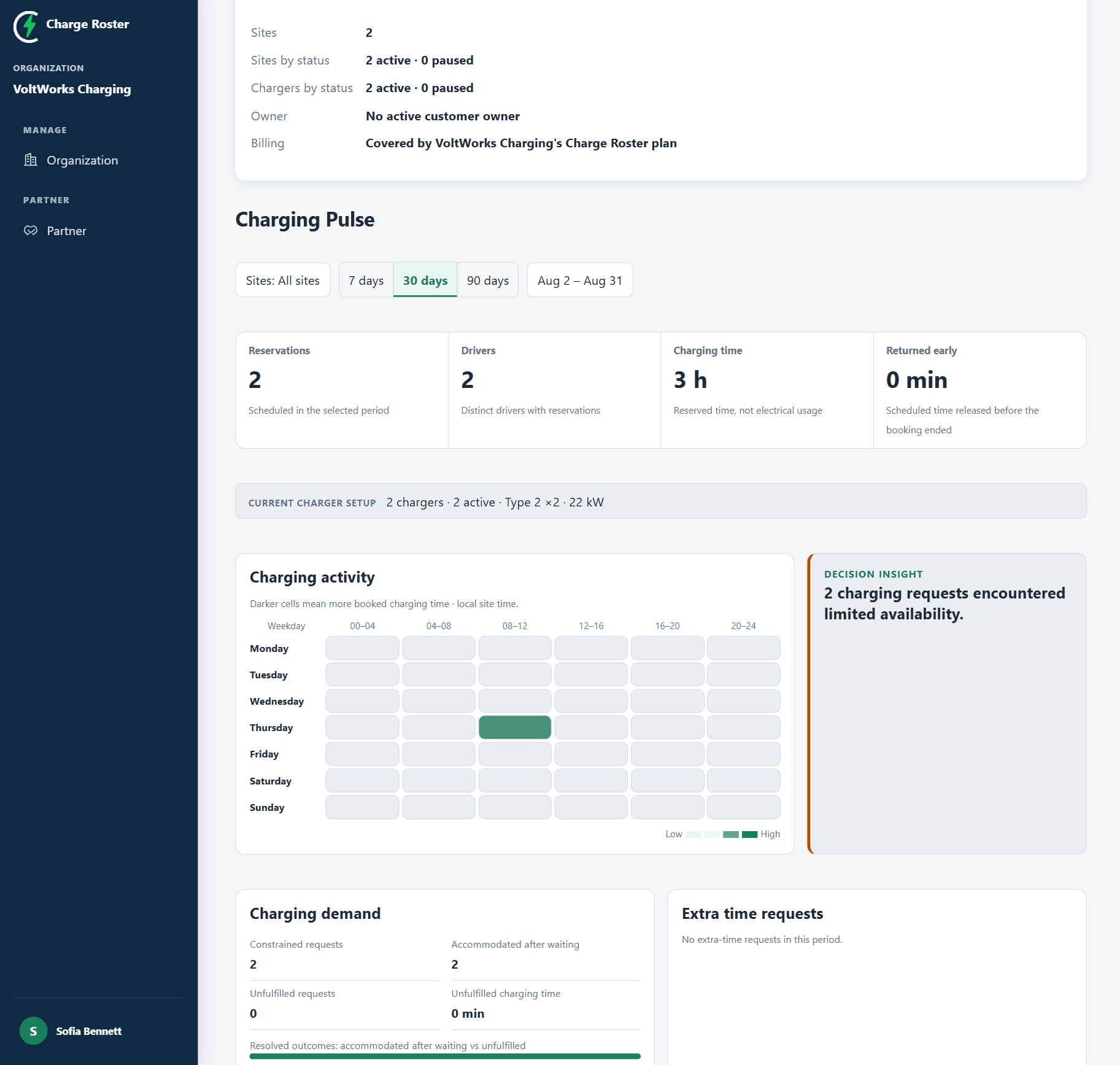
Look at the sites, activity and unmet requests for the selected period.
Use the insights and a printable review to discuss next steps with your customer.
Inside each customer
Review the selected sites and period, see what changed and prepare a printable charging review.
Agree how you support each customer
The accepted relationship determines the operational access available to your partner team.
Agree subscription responsibility with your customer before connecting.
Review the customer chargers included in the agreed subscription coverage.
Keep management permissions and subscription responsibility clear.
Keep customer subscriptions clear
See which customers are covered by your plan and keep billing responsibility visible as their workplace charging grows.
Get started
Create or activate your partner workspace
Invite the customer owner and agree the arrangement
Begin support after acceptance